
A favourite photograph can lose its charm when the details are unclear. An old family picture, a portrait taken in poor lighting or an image saved from social media may look blurry when viewed on a larger screen. You can’t always retake these moments, but AI photo editing tools can help improve their appearance.
Vivid Mod APK is designed for people who want to improve image quality without spending time learning complicated photo editing software. It offers tools for sharpening pictures, restoring old photographs, removing unwanted objects and even adding motion to portraits. Instead of focusing on only one editing task, Vivid brings several AI-powered features into a single mobile application.
Give Low-Quality Pictures More Detail
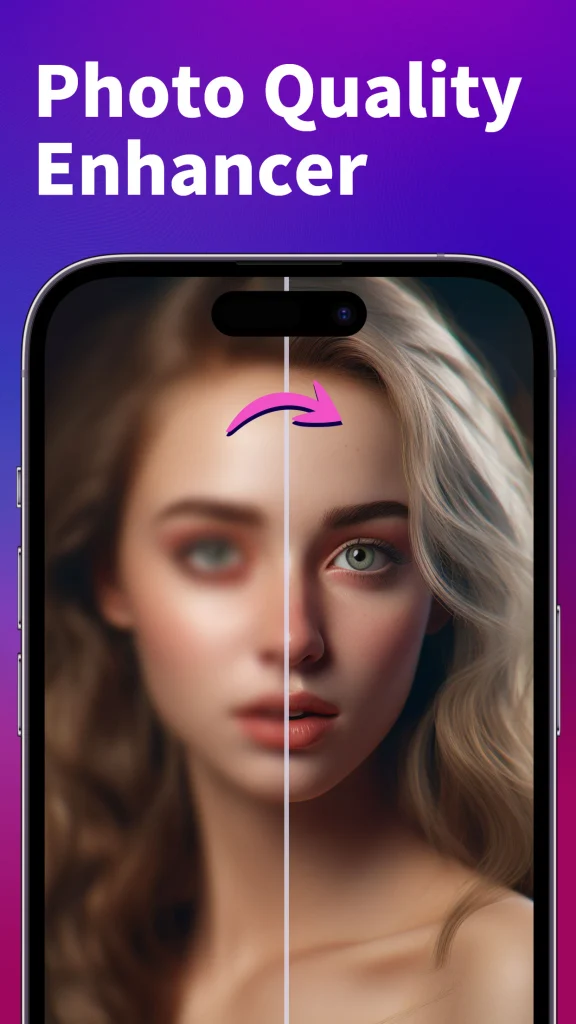
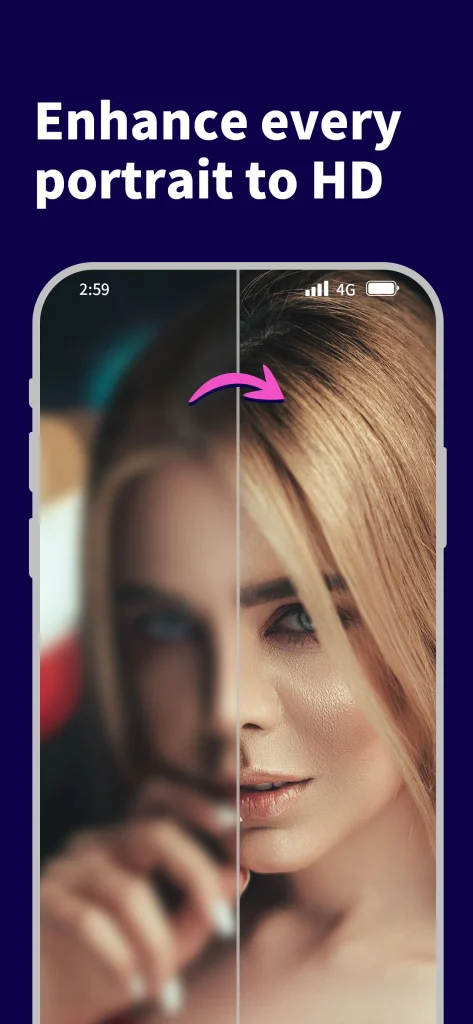
One of the main reasons people look for an AI photo enhancer is to fix images that lack clarity. A photograph might look acceptable in a small preview but reveal blurred faces, unclear edges and visible pixels when zoomed in. Vivid includes a photo enhancement and upscaling feature that aims to improve these problems.
The AI enhancer can work on low-resolution, noisy, grainy and pixelated images. It also focuses on portrait details such as eyes, hair, lips and skin. This can be useful when preparing an older photograph for sharing or keeping a clearer digital copy of a memorable moment.
However, AI enhancement has its limits. It cannot always recover the exact details that were missing from the original photograph. Sometimes, the technology generates new-looking details rather than restoring the original appearance. It is worth comparing the edited result with the source image before saving it.
Useful Editing Features Beyond Photo Enhancement
Vivid offers several editing options for different photography needs. Users do not have to rely on a separate application for every small adjustment.
Magic Eraser for Unwanted Objects
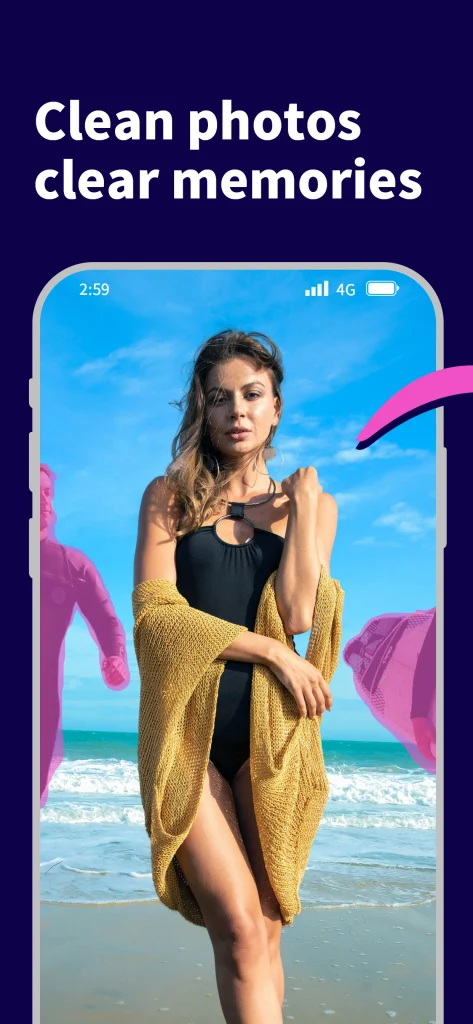
An unwanted object can distract from an otherwise good photograph. It might be a person walking behind the subject, a wire crossing the background or clutter near the edge of the frame.
Vivid’s Magic Eraser and retouch feature helps remove selected objects from pictures. Its AI-based filling technology attempts to rebuild the affected area using the surrounding visual information.
This feature can be helpful for casual travel photographs, personal portraits and everyday social media images. Results may vary when the selected object covers an important part of the background or overlaps with the main subject.
Colour Correction and Light Adjustment
Poor lighting can make a photograph appear dull, dark or washed out. Vivid includes colour correction and light adjustment tools that help improve exposure, contrast, highlights and shadows.
These adjustments are useful when a picture contains a good subject but does not have balanced lighting. Rather than applying a strong filter, users can focus on improving the overall appearance while keeping the image relatively natural.
For better results, avoid making every adjustment too strong. Excessive contrast or brightness can remove details from bright and dark areas.
Turn Portraits into Cartoon Images
Not every photograph needs to look realistic. Sometimes, users want something creative for a profile picture, social media post or personal collection.
The Cartoon Selfie feature converts portraits into cartoon-style images with the help of AI. It provides an alternative to traditional filters and can be used to create a more illustrated appearance from an existing photograph.
Bring Still Portraits to Life
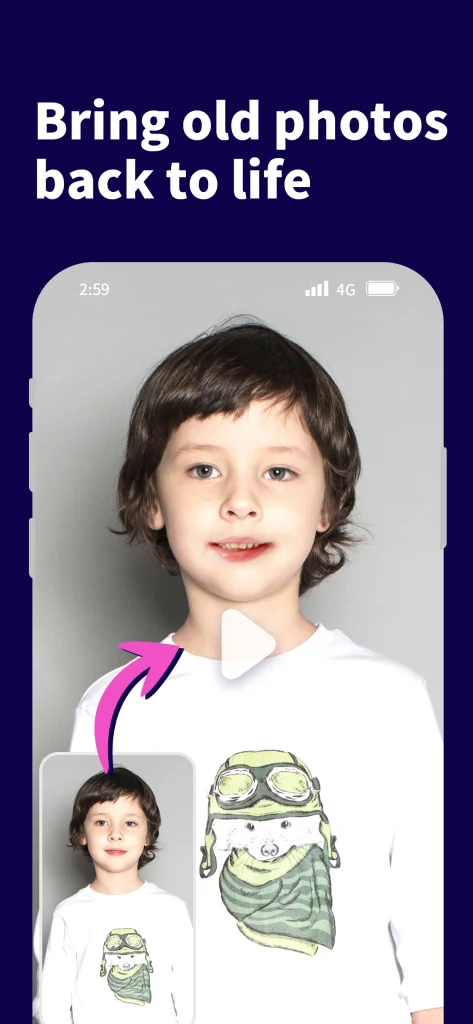
A particularly interesting feature is Portrait Animer. It allows users to turn selected still images into animated video clips.
The feature supports different types of visual subjects, including portraits, figures, sketches, paintings and cartoons. It can be useful for creating short creative clips from photographs that would otherwise remain static.
The final animation may not always match the original subject’s natural movement. Users should review the generated video before sharing it, especially when facial expressions and body movements are important.
Restore Black and White Family Photographs
Old photographs often hold personal value, even when their original quality has deteriorated. Some may have faded over time, while others exist only as black and white digital copies.
Vivid includes an AI Photo Colorizer that adds colour to monochrome images. This feature can help users create a new interpretation of old family photographs, historical pictures and other memorable images.
It is worth remembering that AI-generated colours are estimates. The application cannot automatically know the original colour of someone’s clothes, surroundings or other objects unless that information is available in the source image.
For family archives, keeping the original black and white photograph alongside the colourized version is a sensible approach.
Create Portrait-Style Images with Background Blur
A distracting background can take attention away from the person in a photograph. Vivid also offers a Background Blur or Lens Blur feature to create a portrait-style appearance.
Users can adjust the depth-of-field effect to make the main subject stand out while softening the surrounding area. This can be useful for casual portraits when the original camera image does not have a strong background separation effect.
The quality of the result depends on how accurately the application identifies the subject. Hair, transparent objects and complicated backgrounds may sometimes produce uneven edges.
How to Use Vivid for Better Photo Results
Getting started does not require advanced editing knowledge. The general process is straightforward:
- Install Vivid from the relevant mobile app store.
- Open the application and select a photograph from your device.
- Choose an editing tool according to your requirement.
- Allow the AI feature to process the selected image.
- Review the result and compare it with the original.
- Save or share the edited version if you are happy with the outcome.
A useful tip is to begin with the original image rather than an already edited copy. Repeated sharpening, filtering and upscaling can create unnatural textures and reduce visual quality.
Is Vivid Mod APK Free to Use?
Vivid is listed as a free-to-download application with in-app purchases on major mobile app stores. However, downloading the application does not necessarily mean every feature is available without payment.
The application offers Vivid PRO, which provides unlimited access to its features in HD without advertisements or watermarks. Available payment options include monthly and annual subscriptions as well as a one-time purchase. Actual prices and available plans can differ by platform and region.
Before purchasing, check which features are included in the free version and whether the paid plan offers enough value for your editing needs. Also review the renewal conditions if you select a subscription. You can also download VN: Photo & Video Editor Mod APK.
Things to Consider Before Editing Personal Photos
AI photo editing can change more than brightness or sharpness. Some tools generate facial details, reconstruct removed objects or introduce colours that were not present in the original picture.
For this reason, avoid treating an enhanced photograph as an exact historical record. This is particularly important when restoring old family pictures or editing images intended for professional use.
Privacy is another consideration. Before uploading personal or sensitive photographs, review the application’s privacy policy and understand how uploaded content may be handled. Also check the permissions requested by the application and avoid sharing images containing private information unnecessarily.
Who Should Consider Using Vivid?
Vivid can be a useful choice for people who regularly work with personal photographs and want several AI editing options in one place. Its features may suit:
- People who want to improve blurry or low-resolution pictures.
- Families interested in restoring and colourizing old photographs.
- Social media users who create portraits and cartoon-style images.
- Travellers who want to remove unwanted objects from pictures.
- Creators interested in turning still portraits into short animations.
Professional photographers who need precise control over colour grading, layers and detailed retouching may prefer more advanced desktop editing software.
The main attraction of Vivid Mod APK is its variety of practical editing tools rather than a single enhancement function. From improving image clarity to animating portraits, it gives everyday users different ways to work with their photographs. The best approach is to start with one feature, check how naturally it handles your image and save the result only when it preserves the details that matter.


